13 Best Shutterfly Alternatives for Selling Photos in 2026

If you’ve ever created a photo book, ordered custom gifts, or browsed for personalized prints, chances are you’ve come across Shutterfly.
Known for its wide range of photo products, from layflat photo books and hardcover albums to mugs, calendars, and more, Shutterfly has built a reputation as a go-to for casual users.
But when it comes to print quality, advanced design tools, and the ability to monetize your creations, some might consider the platform to fall short.
In this article, we'll cover everything Shutterfly offers, break down its pros and cons, and explore 13 alternatives that can deliver high-quality prints, flexible layouts, and even built-in tools for selling your work online.
What is Shutterfly?

Shutterfly is a popular photo printing service that helps people turn digital photos into personalized products like albums, gifts, and home décor.
Founded in 1999, the platform focuses on simplicity, making it easy for anyone to design and order photo-based keepsakes without needing professional design skills.
Some of Shutterfly’s features include:
- Large Catalog of Photo Products: Create photo books, prints, wall art, cards, and personalized items like mugs, blankets, phone cases, and tote bags. The platform also supports custom stationery for events such as weddings, holidays, and birthdays.
- Beginner-Friendly Design Editor: Shutterfly’s drag-and-drop editor uses pre-made layouts and themed templates that automatically arrange photos. Basic tools let you crop, reposition, and customize images while keeping the process simple for non-designers.
- Mobile App for Quick Photo Orders: The Shutterfly app lets users upload photos directly from their phones, customize print sizes, and design photo books on the go. Certain products can also be ordered for same-day pickup through retailers like CVS or Walgreens.
- Unlimited Photo Storage: Active users can store unlimited high-resolution photos in their account. To maintain full access, you only need to place at least one order every 18 months.
- Photo Book Creation Assistance: With the “Make My Album” service, a designer arranges your photo book layout for you. You can still review and edit the design before ordering, with optional upgrades for higher-quality paper and finishes.
- Flexible Pricing and Fulfillment Options: Everyday prints start at around $0.12–$0.19 for 4×6 photos, while larger items like photo books and canvas prints vary depending on size and upgrades. Frequent promotions and discounts are common, and orders can be delivered through several shipping speeds or picked up in-store at select retailers.
Why You Might Want to Look for a Shutterfly Alternative
Shutterfly works well for turning personal photos into gifts or keepsakes, but it’s not always ideal for creators looking for higher-quality prints or a better way to sell their work online.
If you’re trying to build a brand or monetize your designs, some limitations can start to show pretty quickly.
- Limited Creative Control: The platform relies heavily on pre-made templates and basic design tools. While this keeps things simple for beginners, it can feel restrictive for artists or photographers who want full control over layouts, branding, and advanced editing.
- No Built-In Way to Sell Your Work: Shutterfly isn’t designed for creators who want to run an online store. You can’t set your own prices, create a branded storefront, or earn revenue from selling your designs directly to customers.
- Inconsistent Print Quality: Although Shutterfly offers a wide range of products, print quality can vary by item. Professional photographers and designers often prefer services that prioritize color accuracy, sharper image reproduction, and higher-end paper options.
- Pricing and Shipping Can Add Up: Frequent promotions help lower costs, but standard pricing and shipping fees can become expensive, especially for larger orders.
Top Shutterfly Alternatives to Try in 2026
1. Fourthwall
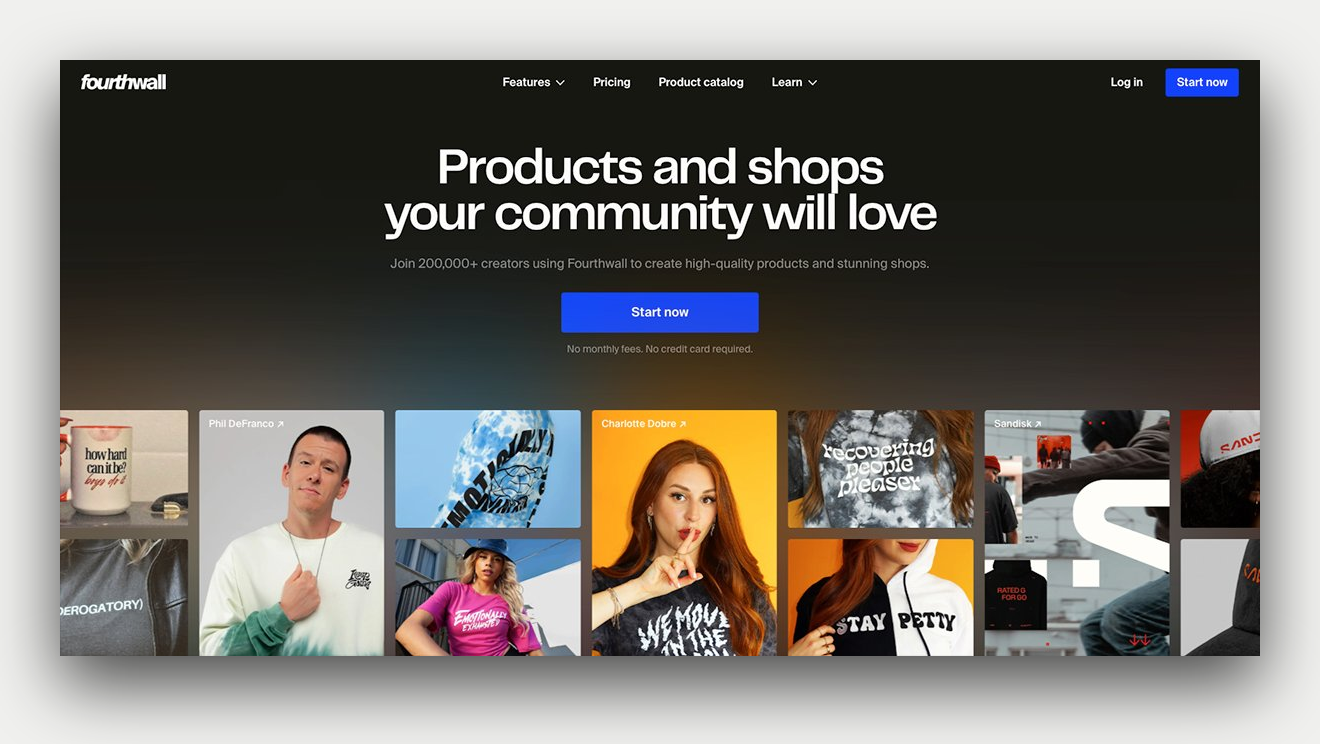
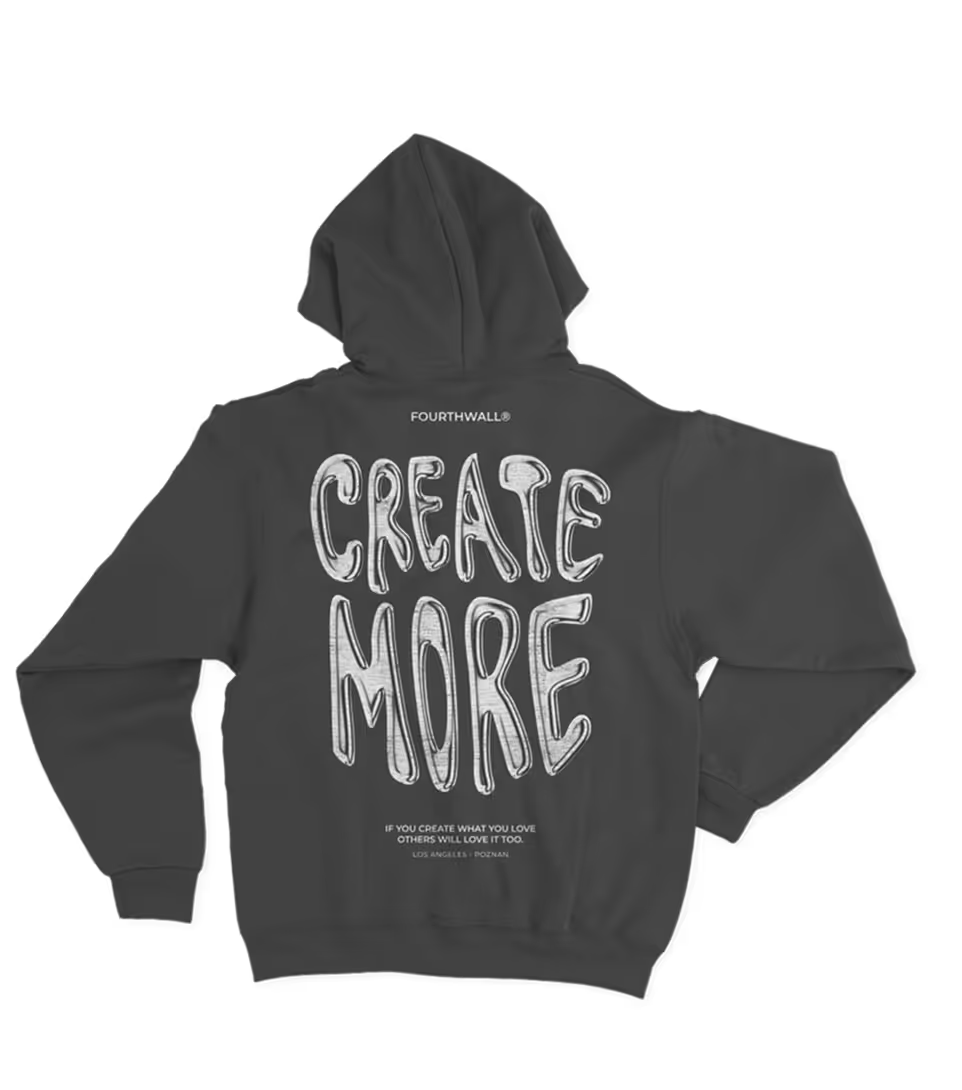
Fourthwall is a brand-focused eCommerce platform that provides anyone with the tools to sell digital content (photos, music, eBooks, digital art) through paid downloads or custom print-on-demand products sold on their very own site.
You can offer downloadable photo collections, exclusive image packs, or high-resolution wallpapers that fans can purchase and access instantly. Just make sure your files are uploaded in the correct format so your images come out vibrant and clear.
Beyond downloads, Fourthwall's extensive POD catalog lets you sell your work on a wide range of customizable products, including framed prints, canvases, calendars, greeting cards, drinkware, and apparel.
And because items are only produced after a customer places an order, Fourthwall handles the manufacturing, packaging, and shipping—allowing photographers to focus on creating new work while their storefront manages the rest.
Pros
- No-code, fully branded storefront
- Sell physical and digital products
- No upfront costs (print-on-demand model)
- Built-in tools for fan engagement (memberships, tips, early access)
- Integrates with major creator platforms like YouTube, TikTok, and Twitch
- You set the prices and keep more profit
Cons
- Not ideal for casual users just looking to make one-off photo gifts
- Limited to creators with an audience or niche (not a mass consumer marketplace)
- Smaller product catalog than Shutterfly for certain specialty gift items
2. Printify

Printify is a print-on-demand platform that allows photographers and creators to turn their images into sellable products through a global network of print providers.
The platform offers a catalog of more than 1,300 customizable items, including wall art, photo gifts, apparel, mugs, cards, and home décor, making it easy to showcase photography across a wide range of physical products.
Designs are created using Printify’s Product Creator, which includes tools for uploading images, adding text or graphics, generating mockups, and even producing visuals with an AI image generator.
Printify also integrates with major eCommerce systems such as Shopify, Etsy, and WooCommerce, allowing photographers to connect their store and automatically fulfill orders worldwide without holding inventory.
Pros
- Massive product catalog with 1,300+ customizable items
- Print-on-demand with no upfront investment
- Seamless integration with Shopify, Etsy, and other major platforms
- Advanced design tools, including AI Image Generator and mockup preview
- Global network of print providers for faster, localized shipping
- Competitive pricing with better margins than Shutterfly
Cons
- No built-in storefront (requires a third-party eCommerce platform)
- Print quality can vary between providers and requires testing for consistency
- Lacks personal photo storage and memory-keeping features like Shutterfly
- More setup and a learning curve for beginners compared to plug-and-play platforms
3. Mixbook

Mixbook is a photo printing platform known for its highly customizable design tools and premium-quality photo books.
Unlike many consumer-focused services that rely heavily on fixed layouts, Mixbook gives photographers greater control over page design, allowing them to adjust layouts, typography, backgrounds, and image placement with a flexible drag-and-drop editor.
The platform supports a range of products, including layflat photo books, hardcover albums, cards, calendars, and personalized photo gifts, all printed on high-quality paper with vibrant color reproduction.
For photographers who want to present their work in a polished, professional format, Mixbook provides a balance of creative freedom and accessible design tools without requiring advanced design software.
Pros
- Exceptional print quality with vibrant, true-to-life colors
- Full creative control with robust customization tools
- Modern templates and flexible design options
- Wide range of photo products, including books, cards, calendars, and wall art
- Easy-to-use interface suitable for all skill levels
Cons
- Slightly higher prices than other photo printing services
- Some free templates are limited in variety
- Mixbook's logo will appear on some products unless you upgrade to remove it
- No built-in tools for selling or monetizing your designs
4. VistaPrint

VistaPrint is a printing and marketing platform designed to help small businesses and creators produce branded materials and custom merchandise.
For photographers, it offers a wide selection of customizable products, including photo books, calendars, mugs, business cards, postcards, and promotional materials, to showcase or market their work.
The platform includes an online design editor with templates, image uploads, and layout tools, making it easy to create polished products without professional design software.
With its focus on branding and marketing materials, VistaPrint can be particularly useful for photographers who want to promote their services, sell printed items, or create cohesive collateral for their business.
Pros
- Wide product selection tailored for business and branding
- Exceptional print quality and finishing options
- Intuitive design tools for fast, polished results
- Ideal for bulk orders and consistent brand presentation
- Strong customer service and support
Cons
- Slower turnaround for certain items, like photo books or apparel
- Not optimized for selling products or building an online store
- Lacks advanced photo editing or creator-focused features
- No built-in fan engagement tools like tipping or memberships
5. Snapfish

Snapfish is an online photo printing platform that lets users turn digital images into a variety of personalized products, including photo books, prints, mugs, and greeting cards.
It provides a straightforward web-based editor with pre-built templates and basic customization tools, and frequently offers promotional discounts that make large photo orders more budget-friendly.
While Snapfish is primarily geared toward personal photo printing rather than professional sales, photographers can still use it to produce branded photo gifts, prints, or promotional materials at a relatively low cost
Pros
- Affordable pricing with regular discounts and deals
- Wide selection of photo books, prints, gifts, and home decor
- Easy-to-use design interface, even for beginners
- Quick turnaround and fast delivery
- Ideal for personal projects or low-cost gift giving
Cons
- Fewer premium finishes and paper options than competitors
- Limited advanced design or editing tools
- Less suitable for professionals or creators needing polished, brand-level output
6. Mpix

Mpix is a photo-printing service backed by Miller's Professional Imaging, bringing lab-quality printing to photographers and consumers seeking high-end results.
The platform specializes in producing vibrant, color-accurate prints using professional materials such as Kodak Endura paper, along with finish options like E-Surface and metallic coatings that enhance image detail and depth.
Photographers can order a variety of products, including loose prints, mounted enlargements, framed wall art, and gallery-style displays designed for long-term durability.
Because of its emphasis on professional-grade materials and finishing options, the platform is often used by photographers who want their printed images to maintain the quality of the original photograph.
Pros
- Exceptional print quality with rich, accurate colors
- Printed on archival-grade Kodak Endura photo paper
- Free expert color correction on all orders
- Dozens of print sizes with options for mounting, framing, and retouching
- Fast turnaround, with most orders shipping within one business day
- Trusted by professional photographers
Cons
- Higher pricing compared to casual consumer platforms like Shutterfly
- Not ideal for bulk gift printing or casual users on a tight budget
- Limited to photo products; no cards, calendars, or novelty gifts
- No integrated design tools for creating full photo books or albums
7. Zazzle

Zazzle is an online marketplace that allows creators to upload their designs and sell them on a wide range of customizable products.
Photographers can apply their images to thousands of items, including wall art, apparel, stationery, phone cases, and home décor, while earning royalties each time a product featuring their work is purchased.
Creators earn royalties on each sale, while Zazzle manages manufacturing, order processing, and shipping. This structure allows photographers to generate income from their work without handling inventory or logistics.
Although the platform emphasizes product variety and marketplace exposure rather than fine art printing, it provides an accessible way for creators to distribute their photography on a global storefront.
Pros
- Huge variety of customizable products, including apparel, gifts, and home décor
- Great for showcasing creativity or building a niche product line
- Built-in marketplace for selling designs and earning royalties
- Accessible design tools for beginners and hobbyists
Cons
- Print quality can be inconsistent across product types
- Zazzle's interface can feel cluttered or unintuitive
- Longer production and shipping times for some custom items
- Less suited for professional photographers needing gallery-quality prints or photo books
8. Artifact Uprising

Artifact Uprising is a photo printing service known for its high-end photo books, framed prints, and minimalist wall art designed to showcase photography with a refined, gallery-style presentation.
The platform offers a curated selection of products, including layflat photo albums, archival-quality prints, and framed artwork, produced with carefully selected materials such as recycled paper and sustainably sourced components.
For photographers, Artifact Uprising emphasizes print quality, paper texture, and clean design rather than a massive product catalog. Its tools allow creators to arrange images in thoughtfully designed layouts that highlight the photography itself.
While the platform is priced higher than many consumer photo services, it is often chosen by photographers who want a more polished, exhibition-style presentation for their work.
Pros
- Premium print quality with attention to design and detail
- Eco-friendly materials, including recycled paper and FSC-certified wood
- Ideal for photographers, creatives, and high-end gifts
- Elegant templates and modern layouts
Cons
- Higher price point compared to most Shutterfly alternatives
- Smaller product range (fewer gift and novelty items)
- Not ideal for bulk or budget orders
- Limited customization outside of core templates
9. Paper Culture

Paper Culture is a photo printing and stationery platform known for combining modern design with environmentally responsible production.
Users can turn their images into products such as photo books, framed prints, holiday cards, invitations, and personalized stationery using customizable templates and high-quality printing.
The platform also provides design assistance and polished layouts that help present images in a clean, contemporary format without requiring advanced design skills.
For creators seeking to align their printed photography with sustainable practices, Paper Culture offers a thoughtful alternative to traditional photo printing services.
Pros
- Environmentally focused production using 100% recycled paper
- Modern templates and optional design assistance
- High customer satisfaction ratings and strong print quality
- A tree is planted with every order
Cons
- Smaller product catalog compared to larger photo printing platforms
- Pricing can be higher than budget-oriented services
- Limited eCommerce tools for creators who want to sell their work online
10. Blurb

Blurb is a publishing platform that allows photographers to create and print professional-quality photo books, portfolios, and magazines.
The service offers multiple design options, including its free BookWright software as well as integrations with tools like Adobe InDesign and Adobe Lightroom, giving creators precise control over layouts, typography, and image placement.
Photographers can choose from a variety of paper stocks, cover formats, and print finishes to produce polished publications that showcase their work in a gallery-style format.
Beyond printing, Blurb also supports distribution through its own bookstore and external channels such as Amazon and Ingram, which makes it possible for creators to sell and distribute their photo books to a wider audience.
Pros
- Ideal for self-publishing high-end photo books, trade books, and magazines
- Advanced customization with tools like Adobe InDesign and BookWright
- Wide selection of paper types, cover finishes, and trim sizes
- Distribution options through Blurb, Amazon, and Ingram
- Supports both print-on-demand and bulk printing for scalability
Cons
- Steeper learning curve compared to beginner platforms like Shutterfly
- Higher prices for small-volume orders
- Longer production and shipping times depending on order size and format
- Less suited for quick gift-making or casual users looking for templates and presets
11. Picaboo
.png)
Picaboo is a photo printing platform designed to help users transform digital images into polished printed products such as photo books, calendars, greeting cards, and home décor.
Its editing environment offers greater customization than many consumer photo services, enabling photographers to carefully arrange images, adjust visual details, and build layouts that highlight their work more intentionally.
And rather than relying solely on fixed templates, Picaboo’s design tools let users experiment with layered elements, backgrounds, filters, and layout adjustments as they assemble their projects.
This kind of flexibility makes the platform particularly useful for photographers who want their photo books or printed collections to feel more thoughtfully designed while still benefiting from an easy-to-use web-based editor.
Pros
- Highly detailed editing tools with advanced photo adjustments
- Wide variety of customizable products, including lay-flat photo books
- Great for users who want creative control over layout and design
- Solid print quality with vibrant color and multiple finishing options
- Works across devices for flexible creation
Cons
- The interface may feel overly complex for new users
- Production and delivery times can be longer than those of some competitors
- Less suited for professional publishing or large-volume orders
- No integrated eCommerce or selling features for creators
12. PhotoBox

PhotoBox is a photo printing platform that allows users to transform digital images into a variety of customizable products, including photo books, wall art, prints, mugs, and decorative photo gifts.
Its intuitive design editor and Smart Assistant automatically organize and arrange selected photos into layouts, helping users create finished products more quickly.
Photographers can also enhance their projects with upgrades such as glossy page finishes, layflat photo book spreads, and classic print styles like retro photos with white borders.
While the editing environment focuses more on ease of use than advanced design control, PhotoBox offers a streamlined way to produce polished photo products that highlight images in a visually appealing format.
Pros
- Huge selection of customizable photo gifts and prints
- Easy-to-use editors on mobile, desktop, and online
- Premium paper, glossy or matte finishes, and stylish layouts
- Sleek packaging perfect for gifting
- Smart Assistant and QR upload features simplify the process
Cons
- Design tools aren’t as advanced as some competitors'
- Shipping speed can vary depending on your region
- Photos are only stored for 18 months without a new order
- Not ideal for photographers who need full creative control
13. Amazon Photos

Amazon Photos is a cloud-based photo storage and printing service included with Amazon Prime.
The platform allows users to store unlimited full-resolution photos and organize their images across devices while providing tools to order prints, photo books, wall art, and personalized photo gifts directly from their library.
Photographers can use the service as a central archive for their images while quickly turning selected photos into physical prints through integrated ordering tools.
Although the editing and customization tools are relatively simple compared to specialized photo printing platforms, Amazon Photos provides a convenient way to manage, store, and print images within a single ecosystem.
Pros
- Unlimited full-res photo storage for Prime members
- Quick, convenient printing tied to your Amazon account
- Easy backup and auto-save options
- Prints, wall art, and photo gifts available
- Works across mobile, desktop, and Amazon smart devices
Cons
- Basic design tools and limited customization
- Print quality may not meet professional standards
- Its product range is smaller than that of other platforms
Turn Your Photos Into Merch (and Money) With Fourthwall
Your work already has an audience. Now it can have a price tag too.
With Fourthwall, you can turn your photos, digital art, or music into downloadable products that fans can buy and access instantly from your own branded site.
It’s a simple way to earn directly from your creativity without relying on stock platforms or middlemen taking a cut.
Whether you’re selling curated photo packs or exclusive digital releases, Fourthwall helps you turn your content into a steady stream of income, all while keeping full control over how your work is presented and sold.
FAQ: Shutterfly Alternatives
Is Snapfish better than Shutterfly?
Snapfish and Shutterfly are both leading photo-printing platforms, but they serve slightly different audiences.
Snapfish typically offers lower prices and frequent discounts, while Shutterfly stands out for its wider product catalog, premium finishes, and more advanced customization tools.
If you’re focused on affordability and quick reorders, Snapfish wins; for design flexibility and gift variety, Shutterfly still has the edge.
Can I migrate my Shutterfly photos and designs to a competitor platform easily?
Unfortunately, there’s no direct export tool to move your Shutterfly photos or projects to another platform automatically.
You’ll need to manually download your photos and re-upload them to your chosen site (like Snapfish, Mixbook, or Fourthwall) to recreate your designs.
While it takes extra effort, switching platforms can open up new features, better pricing, and more creative freedom.
Is Shutterfly or Walgreens cheaper?
In most cases, Shutterfly is cheaper than Walgreens for standard photo prints, especially when ordering multiple photos online.
Basic 4×6 prints from Shutterfly typically start at $0.12–$0.29 each, while Walgreens often charges $0.35–$0.39 per print at regular price.
That said, Walgreens can sometimes cost less overall because it offers same-day in-store pickup, eliminating the shipping fees Shutterfly usually adds to online orders.
What are the best alternatives to Shutterfly for printing photo books, wall art, or custom gifts?
Some of the best alternatives include Mixbook, Snapfish, Vistaprint, Canva Print, and Fourthwall, depending on your needs.
Mixbook is great for photo books and storytelling layouts, while Fourthwall is ideal for creators selling custom merch, prints, or wall art online.
Each platform offers unique perks, from bulk discounts to advanced design tools, so it’s worth testing a few before committing.
About the Author